Is LocalScribe really private?
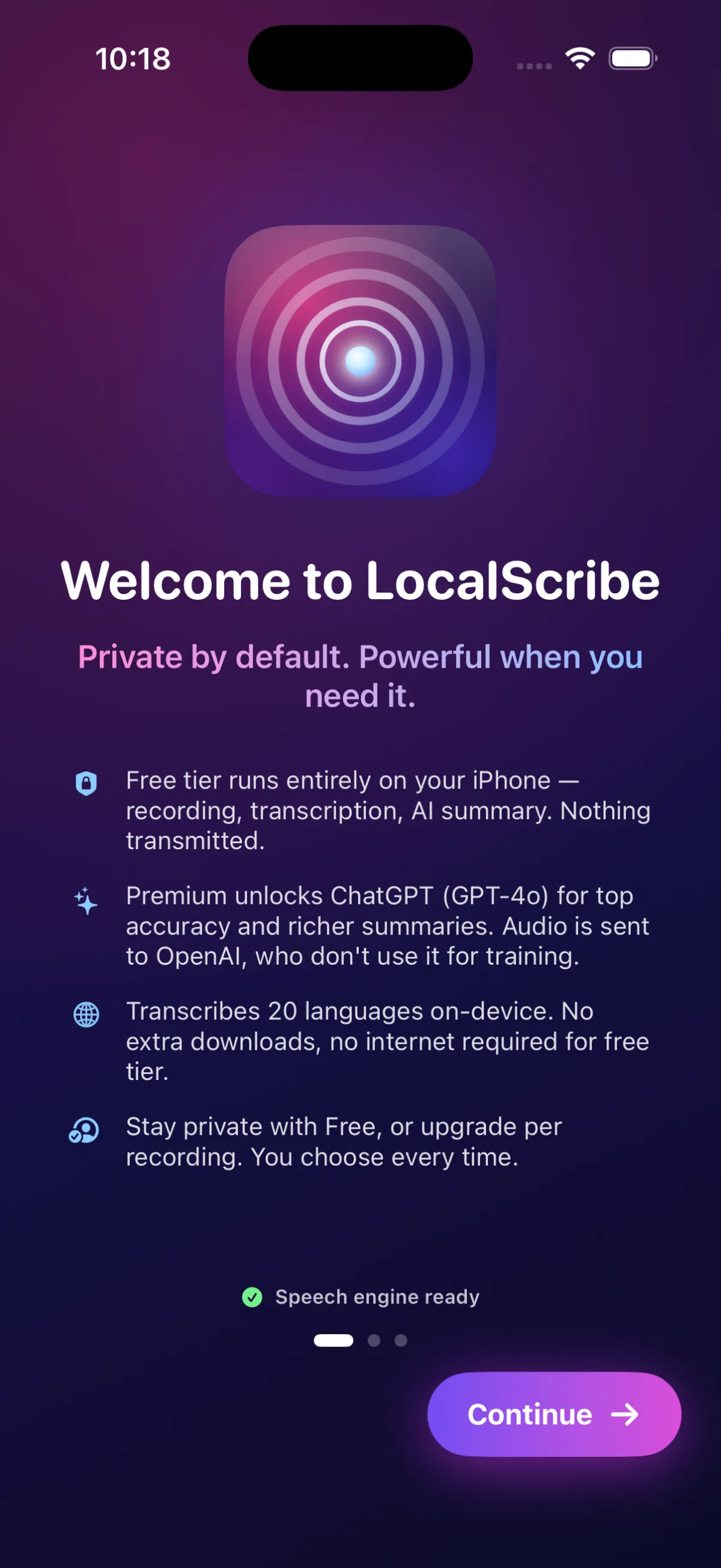
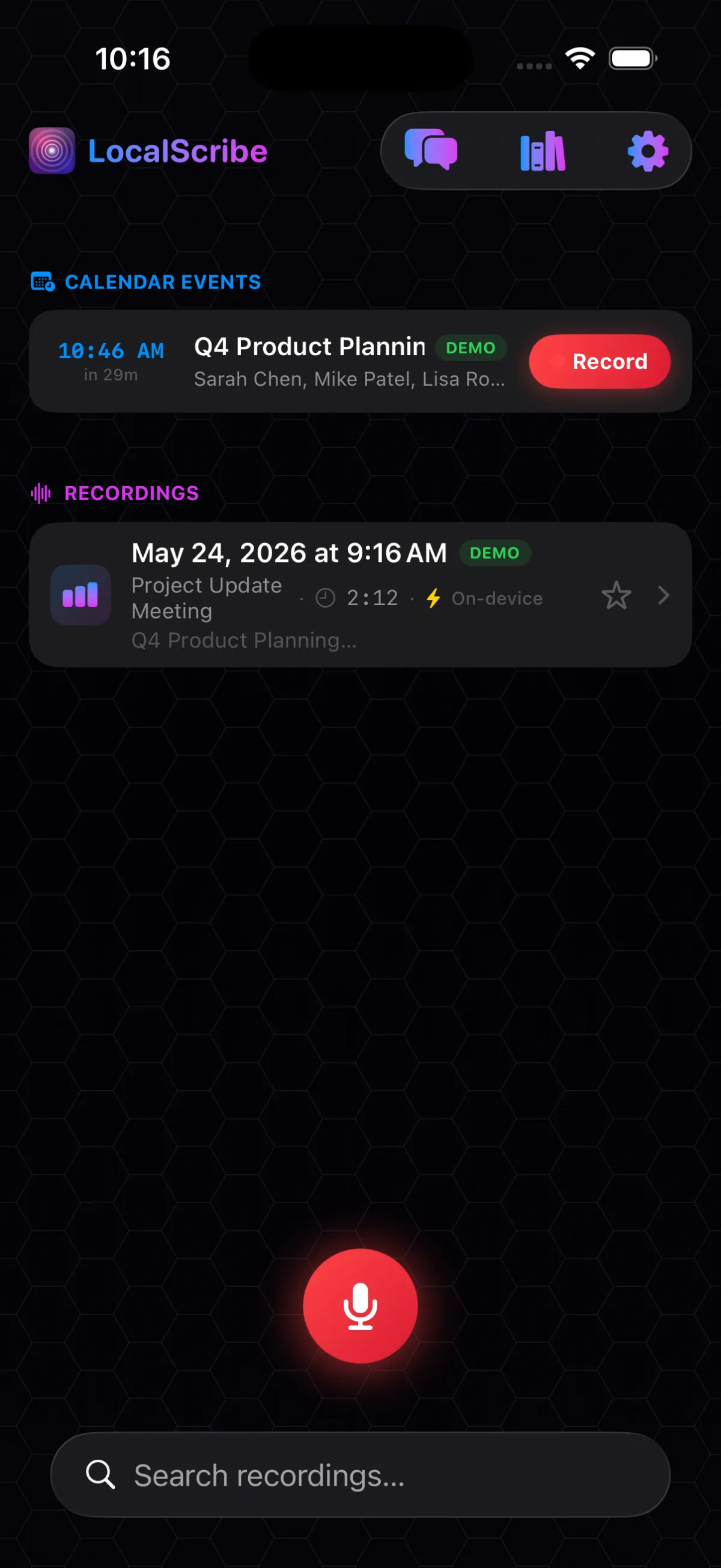
Yes. By default, audio is transcribed and summarised on your device's Neural Engine — nothing leaves. Starter and Pro subscribers can opt-in to cloud features for higher accuracy, but it's per-recording and clearly labelled. A "No Cloud" toggle pins sensitive recordings to fully on-device.
Do I need to invite a bot to meetings?
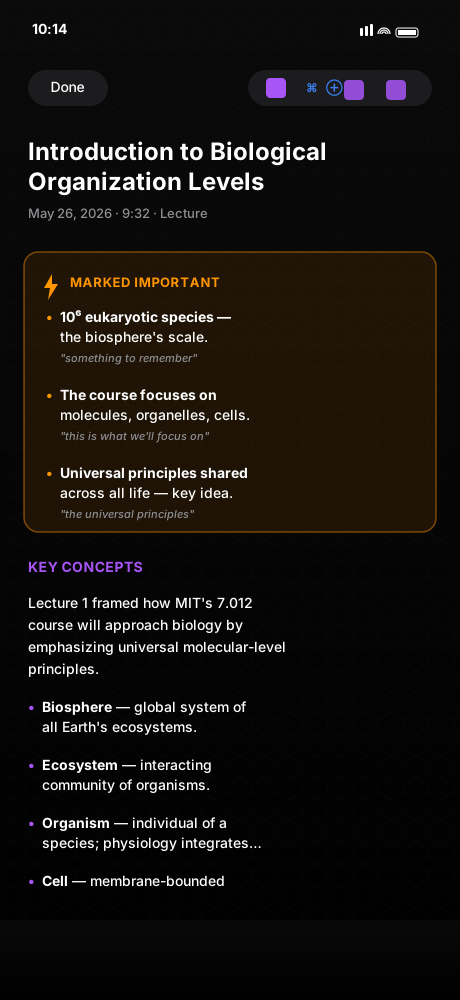
No. LocalScribe records directly from your phone, laptop, or watch microphone. That means it works for in-person meetings, phone calls, dictation, lectures, depositions — anywhere there's sound. No Zoom integration required.
What devices does it support?
iPhone (primary launch device) and iPad (universal app). Mac Catalyst and Apple Watch versions are in development. Recordings sync through your iCloud — start on one device, finish reviewing on another.
Is my data shared with OpenAI or Anthropic?
Only when you opt-in to a paid-tier cloud feature for a specific recording. Different features use different providers:
- Summaries — Anthropic Claude Opus 4.8 (transcript text only, no audio).
- Cloud transcription — Deepgram Nova-3 (audio is sent).
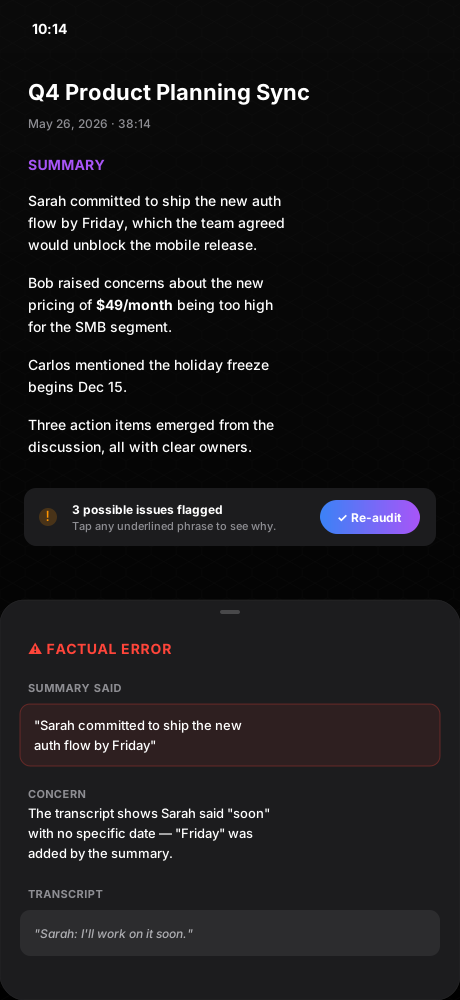
- Audit for Accuracy — OpenAI GPT-4o (transcript text only).
- Tone & Nuance — OpenAI gpt-audio (audio is sent — this feature is multimodal).
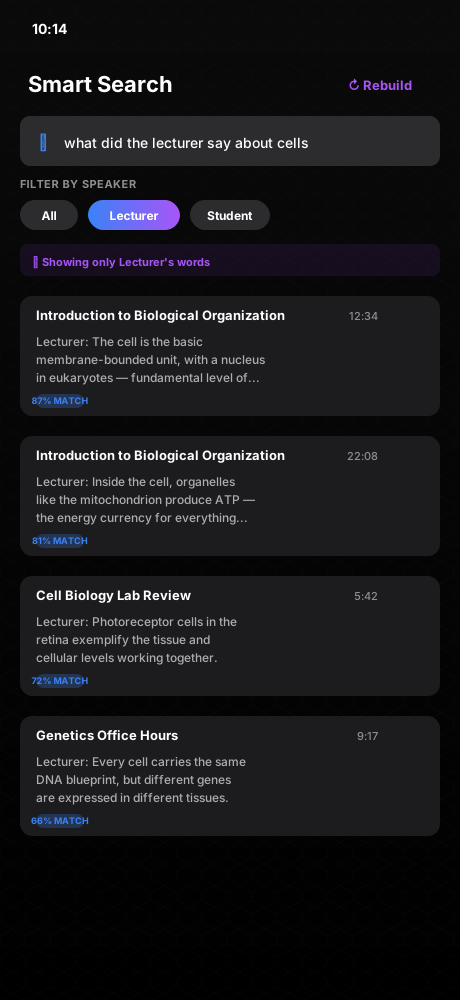
- Smart Search — OpenAI text-embedding-3-small (text only).
Every provider contractually does not train on customer data. All cloud paths are opt-in per recording or per feature. Full sub-processor list in our Privacy Policy.
Can I edit the AI summary after it's written?
Yes. Every recording has an Edit Everything button that opens a full-screen editor for both the title and the entire summary. Saving updates the Library, the auto-re-exported PDF in your iCloud Drive, and any future shares — all from one place.
What happens if I open a recording while offline?
Everything except the audio is available immediately — PDF, transcript, and summary all load locally. The audio file syncs down from iCloud in the background, and the playback bar appears as soon as it's on the device. No more locked screens while iCloud catches up.
Can I lock specific recordings behind Face ID?
Yes. In the Library, long-press a folder and choose Lock with Face ID. Opening that folder, and removing the lock, both require Face ID, Touch ID, or your device passcode. There's no separate password to manage — LocalScribe defers to the auth your device already trusts.
What if a regulator audits me?
Every LocalScribe recording shows its exact processing path: which engine transcribed it, whether cloud features were used, whether audio left the device. That metadata is exportable. The "No Cloud" override is per-recording and persisted, giving you a verifiable compliance trail.